
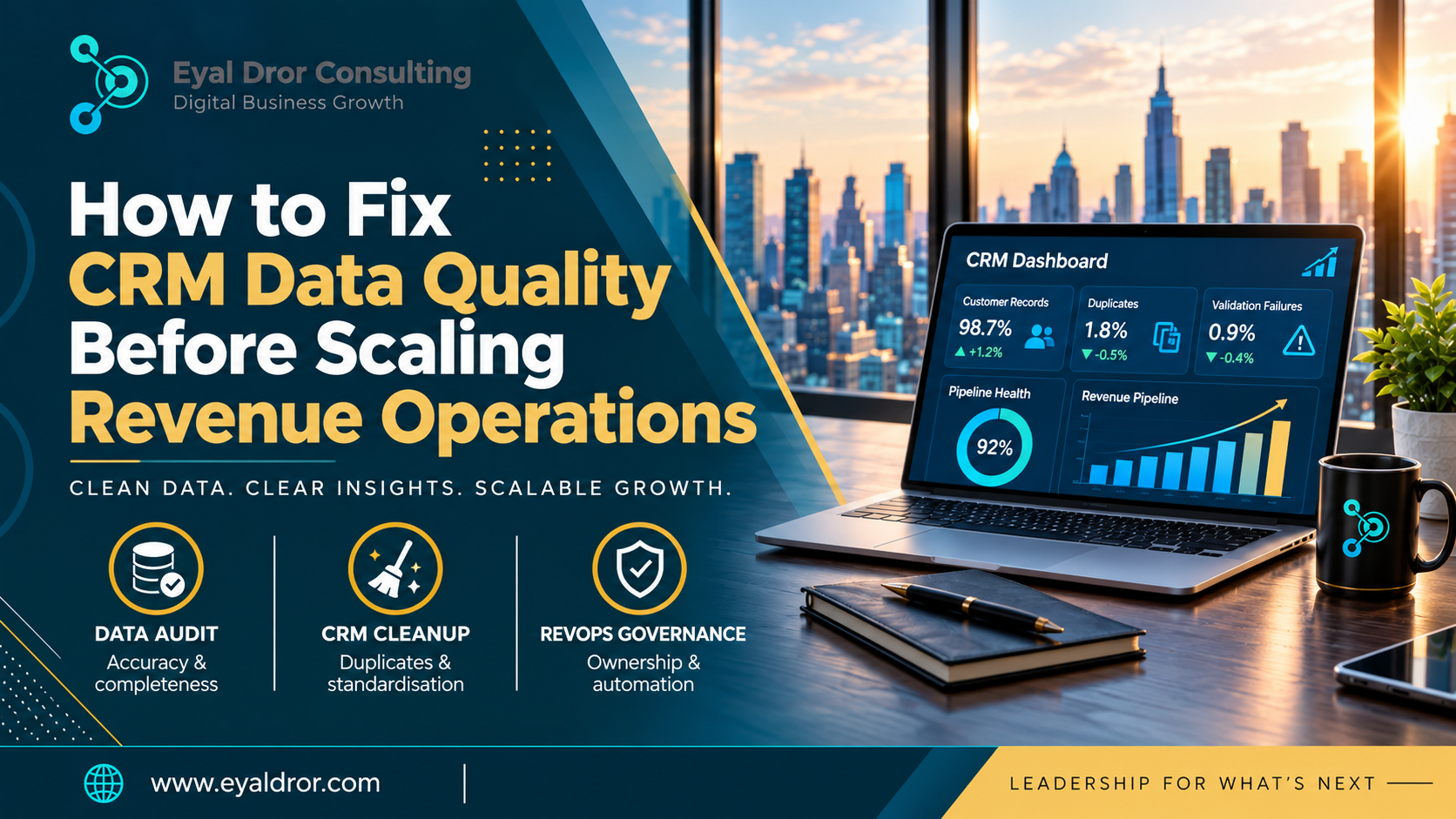
Your CRM says you have 40 open deals. Sales says 28. Marketing counts leads a third way. Sound familiar? Duplicate contacts, outdated records, inconsistent pipeline stages and incomplete customer information quietly undermine lead management, forecasting, attribution and the handoffs between sales, marketing and customer success. That’s why CRM data quality for revenue operations has to come first.
Adding lead volume, automation or headcount on top of messy data doesn’t fix it. It amplifies it. This guide covers how to find problems, clean and standardise records, set up governance and get ready to scale. It’s also where Revenue Operations Consulting Services fit, connecting CRM fixes to wider revenue processes.
Why CRM Data Quality Matters for Revenue Operations
Reliable CRM data lets marketing, sales, customer success and leadership work from one version of the truth. Bad data hurts the whole customer lifecycle, not just the sales team.
How Poor CRM Data Affects Sales and Marketing Alignment
Inconsistent lead definitions, missing contact details, wrong owners and disconnected customer records cause problems in qualification, follow-up and handoffs. Each team ends up arguing about whose numbers are right.
The Impact of CRM Data Issues on Revenue Forecasting
Outdated opportunity values, inconsistent deal stages, missing close dates and duplicate opportunities distort pipeline reports and projections. For more, read how revenue operations consulting improves B2B sales forecasting accuracy.
Why Scaling Revenue Operations Makes Data Problems Worse
More leads, more integrations and bigger teams multiply existing inconsistencies when standards and ownership are missing. Small cracks become big ones.
What Are the Most Common CRM Data Quality Problems?
These are the issues growing B2B teams run into most.
Duplicate Contacts, Accounts and Opportunities
Manual entry, form submissions, imports and integrations create duplicates. The result is conflicting account ownership, repeated outreach and inflated reports.
Incomplete or Outdated Customer Information
Missing job titles, company details, industry classifications and stale contacts weaken segmentation, qualification and account management.
Inconsistent CRM Fields and Pipeline Stages
Different formats, unclear lifecycle definitions and poorly structured stages make cross-team reporting unreliable.
Disconnected Systems and Incorrect Data Synchronisation
Marketing automation, sales engagement, billing and customer success tools all feed the CRM. Bad field mapping, conflicting update rules and integration failures create inaccurate records.
How to Audit CRM Data Quality Before Scaling RevOps
A good CRM data audit looks at accuracy, completeness, consistency and usability across the revenue lifecycle, and it comes before any cleanup project.
Identify Critical CRM Fields and Data Sources
List the information needed for lead management, account ownership, forecasting, segmentation and reporting. Then map where each field originates and which business process depends on it.
Measure Duplicate, Missing and Inaccurate Records
Track three practical metrics. Completeness rate is the share of records with all critical fields filled. Duplicate record rate is the share of records that duplicate another. Validation failure rate is the share that break your own rules. Add outdated contacts and inconsistent opportunities to the picture.
Prioritise CRM Issues Based on Revenue Impact
The truth is, you don’t need to clean every field equally. Focus on what affects lead routing, opportunity management, forecasting and handoffs, and classify issues by business impact, frequency and how hard they are to fix.
How to Fix CRM Data Quality Issues: Step-by-Step Process
Here’s a practical framework to follow before you expand your revenue operations infrastructure.
Step 1: Remove Duplicate and Invalid CRM Records
You can use consistent matching rules to find duplicate contacts, companies and opportunities. Then review records before merging, so you don’t lose activity history, ownership or relationships.
Step 2: Standardise CRM Fields and Data Formats
Set naming conventions, required fields, dropdown values, lifecycle stages and opportunity classifications. This standardisation makes reporting consistent and cuts manual errors.
Step 3: Update Missing and Outdated Information
Update essential company and contact data, refresh stale records and use enrichment where it helps. What most people miss is that enrichment can overwrite good data with bad, so verification is important before replacing anything.
Step 4: Fix CRM Integrations and Data Synchronisation
Conduct a complete review of field mappings, permissions, sync frequency and conflicting update rules. Define a fixed system of record for key customer and revenue information so every tool knows which source wins.
Step 5: Validate Cleaned Data Before Enabling Automation
Test lead routing, reporting, segmentation and opportunity workflows. Use a controlled sample or staging environment where possible before large-scale changes. If you want CRM cleanup, technology integration and revenue-process alignment handled together, that’s what our Revenue Operations Consulting Services are built for.
How to Prevent CRM Data Quality Problems from Returning
A one-time cleanup won’t last if people keep entering data without clear standards.
Establish CRM Data Governance and Ownership
Assign responsibility for definitions, record maintenance, validation and integrations. Revenue teams need to agree who owns what, and who’s accountable when data slips.
Use CRM Validation Rules and Workflow Automation
Mandatory fields, controlled values, duplicate detection and workflow checks reduce common errors. Automation should support well-defined processes, not compensate for unclear standards.
Train Revenue Teams on Consistent CRM Usage
Adoption makes or breaks governance. Document the standards, train teams and make sure sales, marketing and customer success update records the same way.
How to Measure CRM Data Quality Improvements
How do you know the cleanup worked? Measure it.
Key CRM Data Quality Metrics to Track
Track completeness, duplicate rates, field accuracy, record freshness, lead ownership coverage and integration error rates. Set a baseline first, then measure improvement over time.
Connect CRM Data Quality to Revenue Performance
Better data supports more reliable forecasts, cleaner reporting, faster lead assignment and clearer funnel visibility. It doesn’t guarantee more revenue on its own, because results depend on process, adoption and execution. To spot leaks in conversion and pipeline visibility, see our Sales Funnel Optimization Consulting.
When Should a B2B Company Consider Revenue Operations Consulting?
Internal cleanup isn’t always enough, especially when data problems trace back to unclear revenue processes, fragmented technology or shared ownership nobody has defined. Our wider business consulting services cover those situations, and the usual triggers are recurring reporting discrepancies, unreliable forecasts, disconnected systems, manual reconciliation and trouble holding standards across teams.
Signs Your CRM Problems Require a Broader RevOps Strategy
Persistent data issues often point to deeper problems with team responsibilities, sales processes, CRM architecture or integration design. If cleanups keep failing, look there. See 7 signs your business needs revenue operations consulting.
How Revenue Operations Consulting Services Support CRM Optimisation
Consultants can assess CRM architecture, define data standards, align revenue teams, improve reporting and build scalable processes. The aim is to fix the cause, not just the symptoms.
Final Thoughts
Revenue Operations CRM Data Quality is a key foundation for reliable reporting, automation, lead management, and process scalability. Do an audit of what you have, clean duplicates, standardize fields, maintain integrations, and build governance. Revenue Operations Consulting Services can assist with aligning CRM optimization to your broader revenue strategy. Identify critical business problems first before building out more automation or technology.
Frequently Asked Questions
What is CRM data quality in revenue operations?
It’s the accuracy, completeness, consistency, timeliness and reliability of the customer and revenue information that teams use across sales, marketing and customer success. High-quality data means everyone works from the same trusted records, which supports reporting, forecasting and lead management.
How does poor CRM data quality affect revenue forecasting?
Inaccurate opportunity values, outdated close dates, missing fields and duplicate records distort pipeline projections. When stages are inconsistent too, leaders can’t tell what’s really in the funnel. Forecasts then swing between over-optimism and surprises, which makes planning harder.
What are the best ways to improve CRM data quality?
Start with an audit, then deduplicate, standardise fields, update missing information, check integrations and add validation rules. Finally, set up governance with clear ownership and train users. Prioritise the issues that affect lead routing, forecasting and handoffs first.
How often should B2B companies audit CRM data?
Monitor continuously, with deeper reviews scheduled by business complexity, data volume and integration changes. A fast-growing team with many connected tools may need more frequent reviews. Track key metrics regularly so problems surface early rather than during reporting season.
Can CRM automation fix data quality problems?
Partly. Automation can prevent some errors and enforce standards, such as required fields and duplicate checks. But it can’t fix unclear processes or inaccurate source information. Define your standards first, then use automation to support them.
Why should companies fix CRM data before scaling RevOps?
Because scale multiplies whatever you already have. Reliable data supports consistent reporting, automation, forecasting and coordinated operations as the organisation grows. Fixing it first costs less than untangling errors across more tools, teams and leads later.
